CHOOSE AND PERSONALIZE
This one feels like me.
Choose a template, enter the event details and adjust the lettering. Make the artwork yours without generating another image.
Find my templateSMALL CHOICES. BIG CELEBRATIONS.
Find AI artwork you love. Then personalize the names, messages and event details.
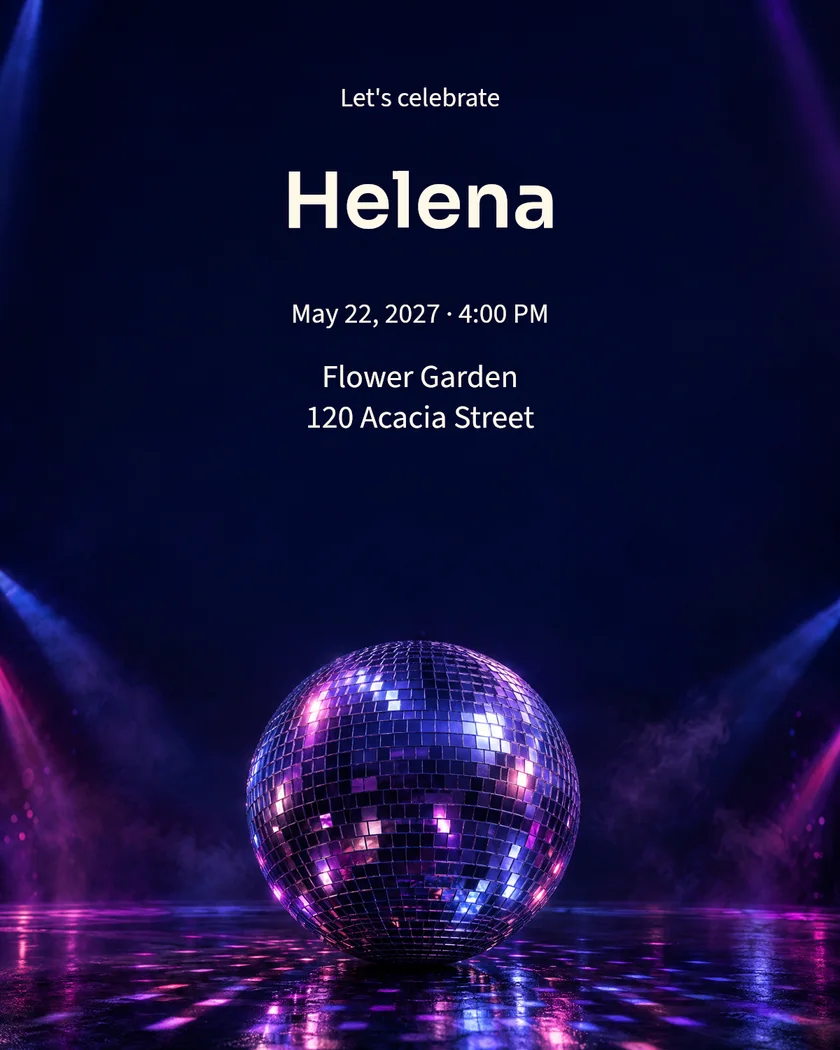
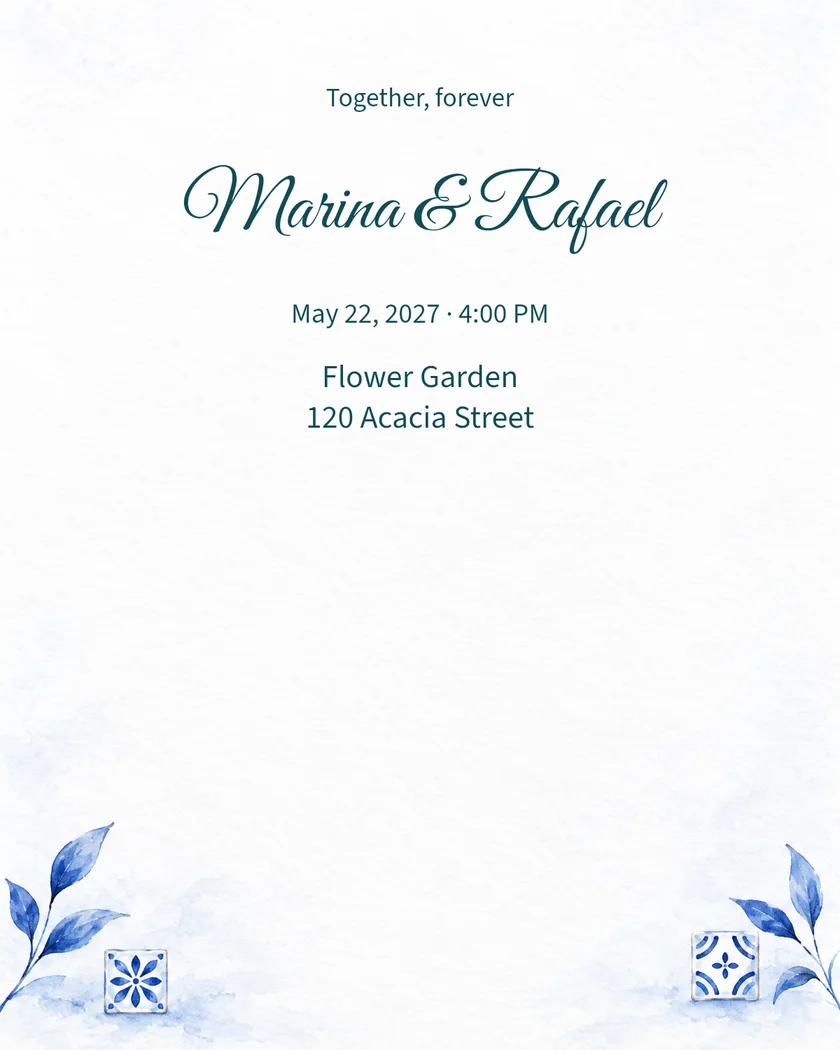
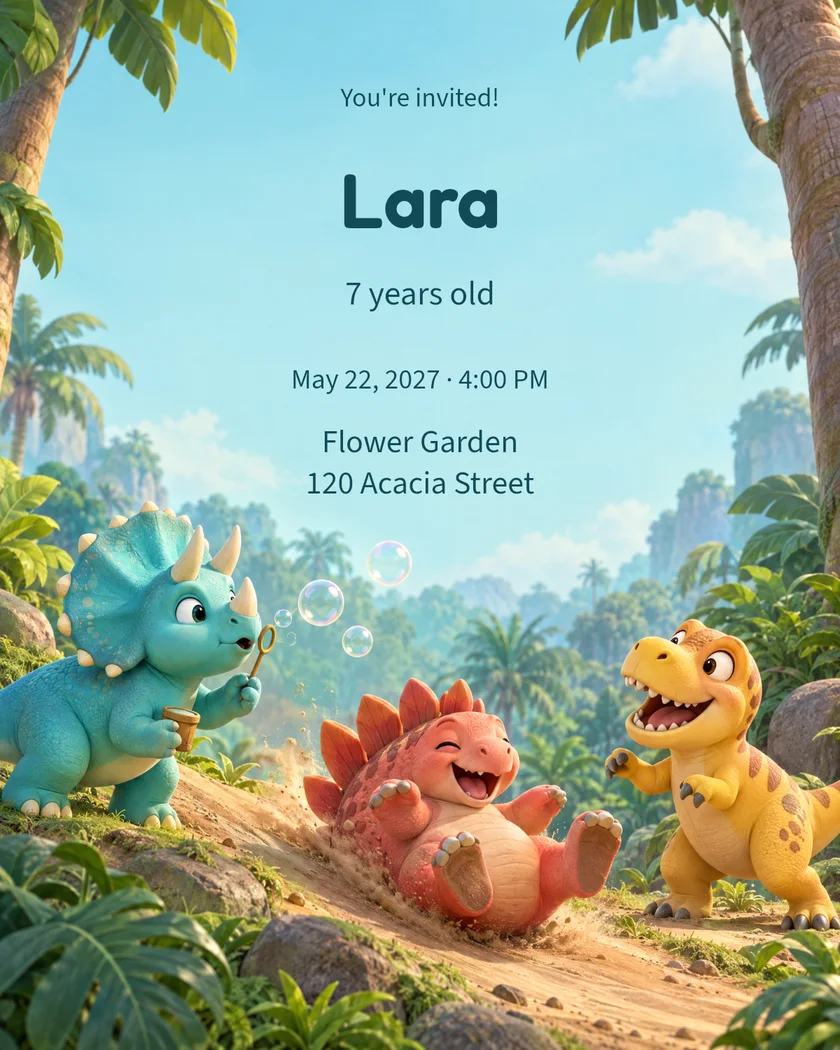
Names and details are examples. Make them your own in the editor.
FROM OUR COLLECTION TO YOUR CELEBRATION
Find your favorite invitation, then change the names, date and details.
100 models
A playful adventure in 3D.
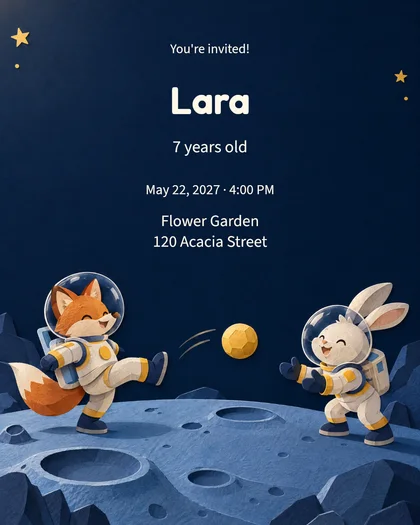
A journey to the Moon in paper and imagination.
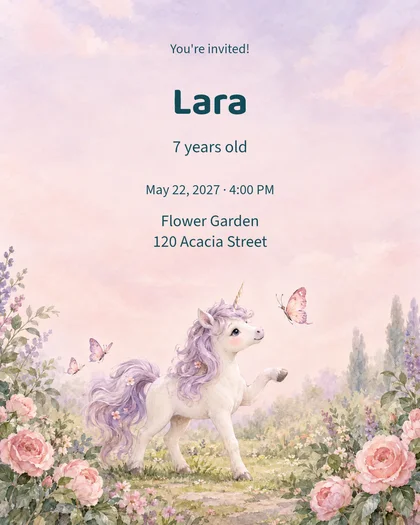
A unicorn, butterflies and watercolor flowers.
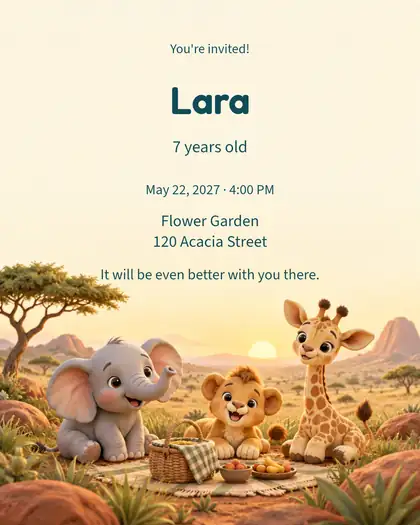
Dimensional illustration with editable text.
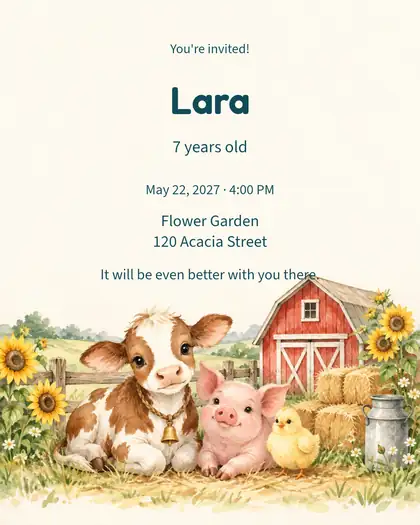
Watercolor artwork with editable text.
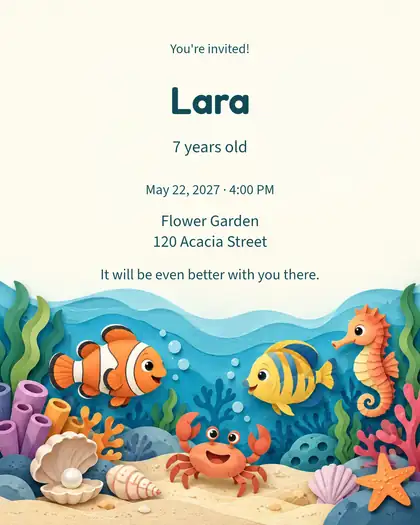
Paper-cut artwork with editable text.
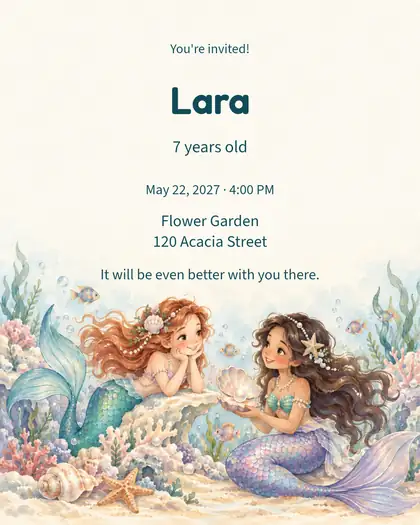
Watercolor artwork with editable text.
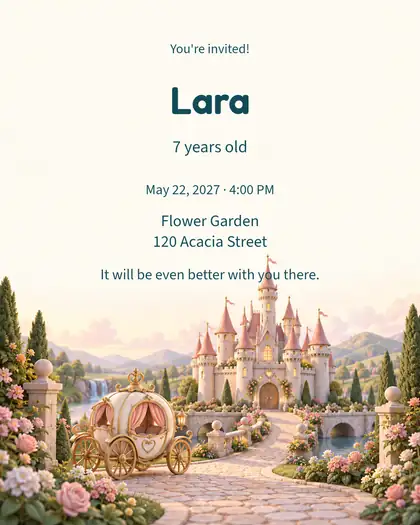
Dimensional illustration with editable text.
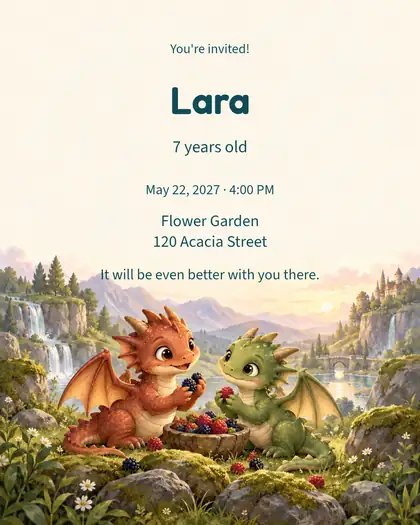
Storybook artwork with editable text.
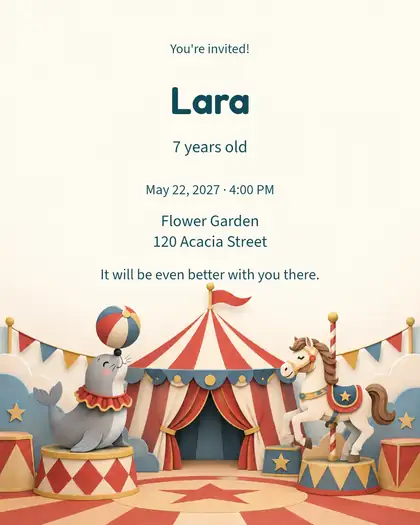
Paper-cut artwork with editable text.
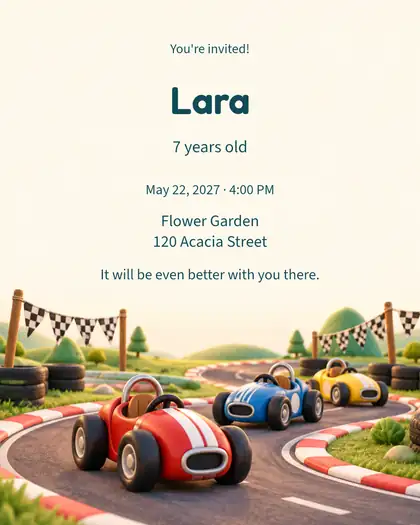
Dimensional illustration with editable text.
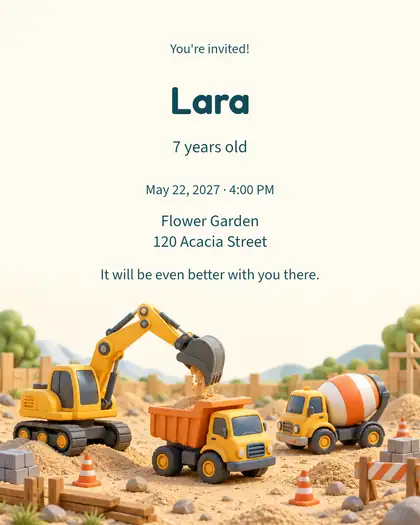
Dimensional illustration with editable text.
Choose an illustration and make the invitation yours.
Browse the full collectionA READY-MADE DESIGN OR A NEW IDEA
Start with artwork that feels like you. The event text is always yours to change.
CHOOSE AND PERSONALIZE
Choose a template, enter the event details and adjust the lettering. Make the artwork yours without generating another image.
Find my templateIMAGINE AND CREATE WITH AI
Your theme can go beyond the collection. Check availability and cost before starting.
Create from my ideaEASY FROM THE FIRST IDEA TO THE FINAL FILE
No drawing skills needed. No blank page to face.
Let's get startedChoose a template or describe your own theme to create with AI.
Add a name, date, venue and message. When creating with AI, choices of style, scene and colors are optional.
Check the preview and download your file to send or print wherever you like.
BEFORE YOU START
From your first choice to the finished file, know what you can change and what you'll receive.
Yes. Sign in or create an account to customize invitations, save your creations and view your purchases. You can browse designs before signing in.
Change names, dates, locations and messages. You can also adjust lettering, text colors and other available editor options. The template's artwork stays the same.
Yes, for invitations. Choose “Create from my idea”, select the occasion and write your theme. Suggested themes are only examples. In “Artwork details”, describe the colors, scene and subjects you want. Then enter the event details and review before generating. To choose the style, scene and lettering, select “I want to choose the details”. Availability and cost are shown before you start. Greeting cards and letters use ready-made templates.
No. Names, dates and text are editable separately from the artwork. Reuse the same image and personalize the details without generating everything again.
Download your file directly from the site as PNG, JPG or PDF. Available print formats are shown in the editor. Send it through WhatsApp or email, or take the PDF to a printer. Printing and physical delivery are up to you.
Review the preview before downloading.
For little ones, grown-ups and all the moments that bring people together.
Create my invitation